

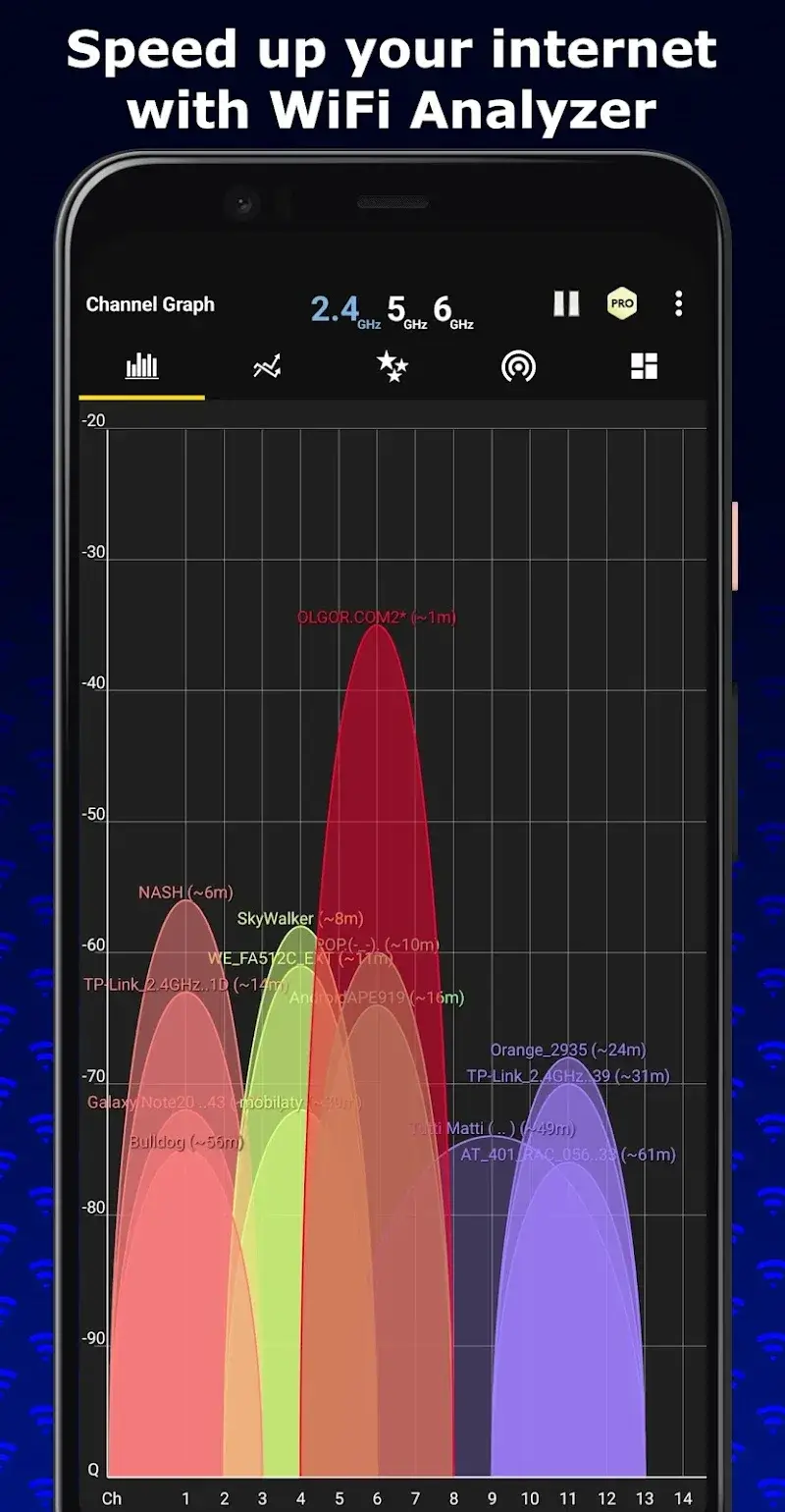
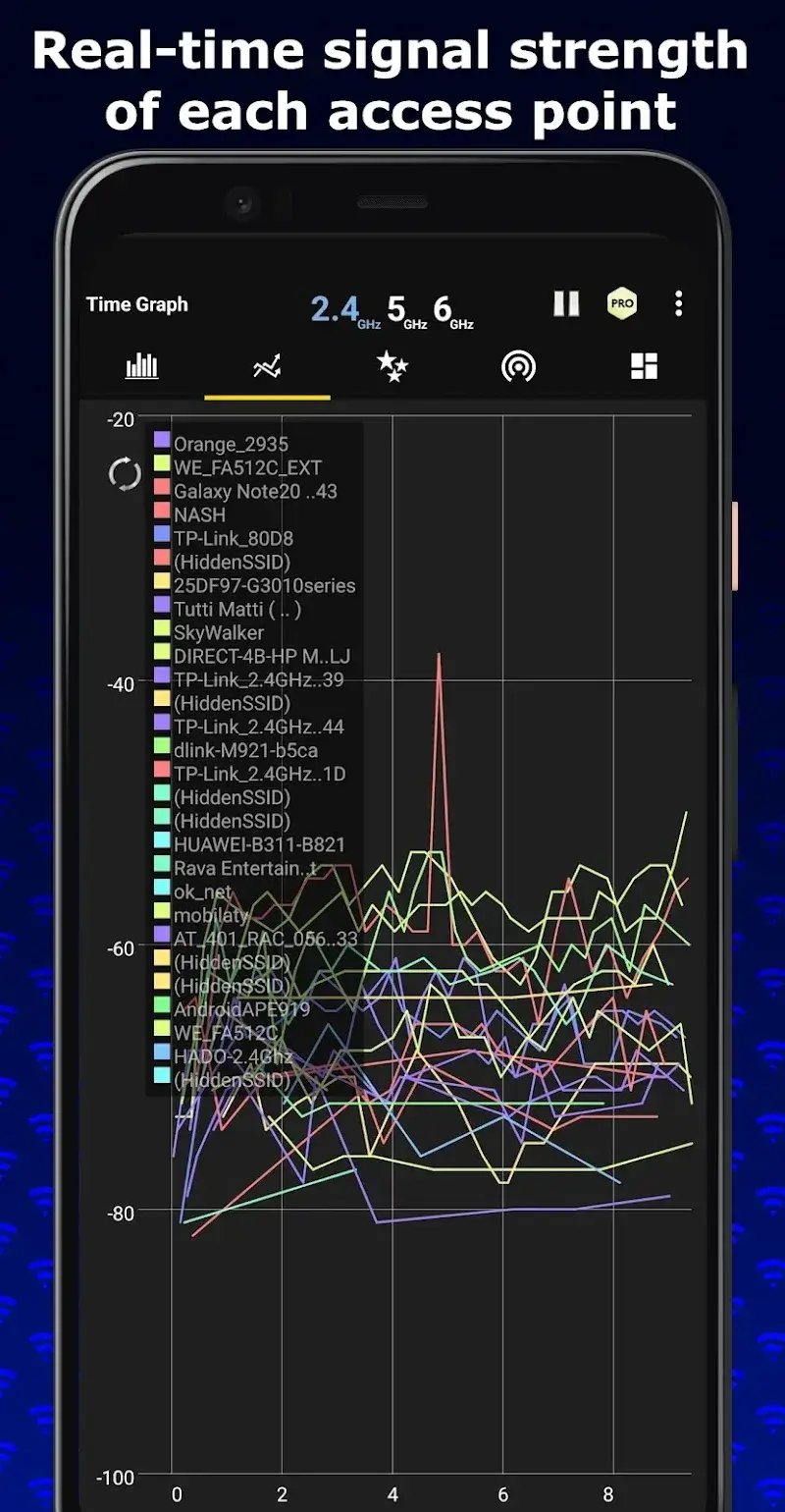
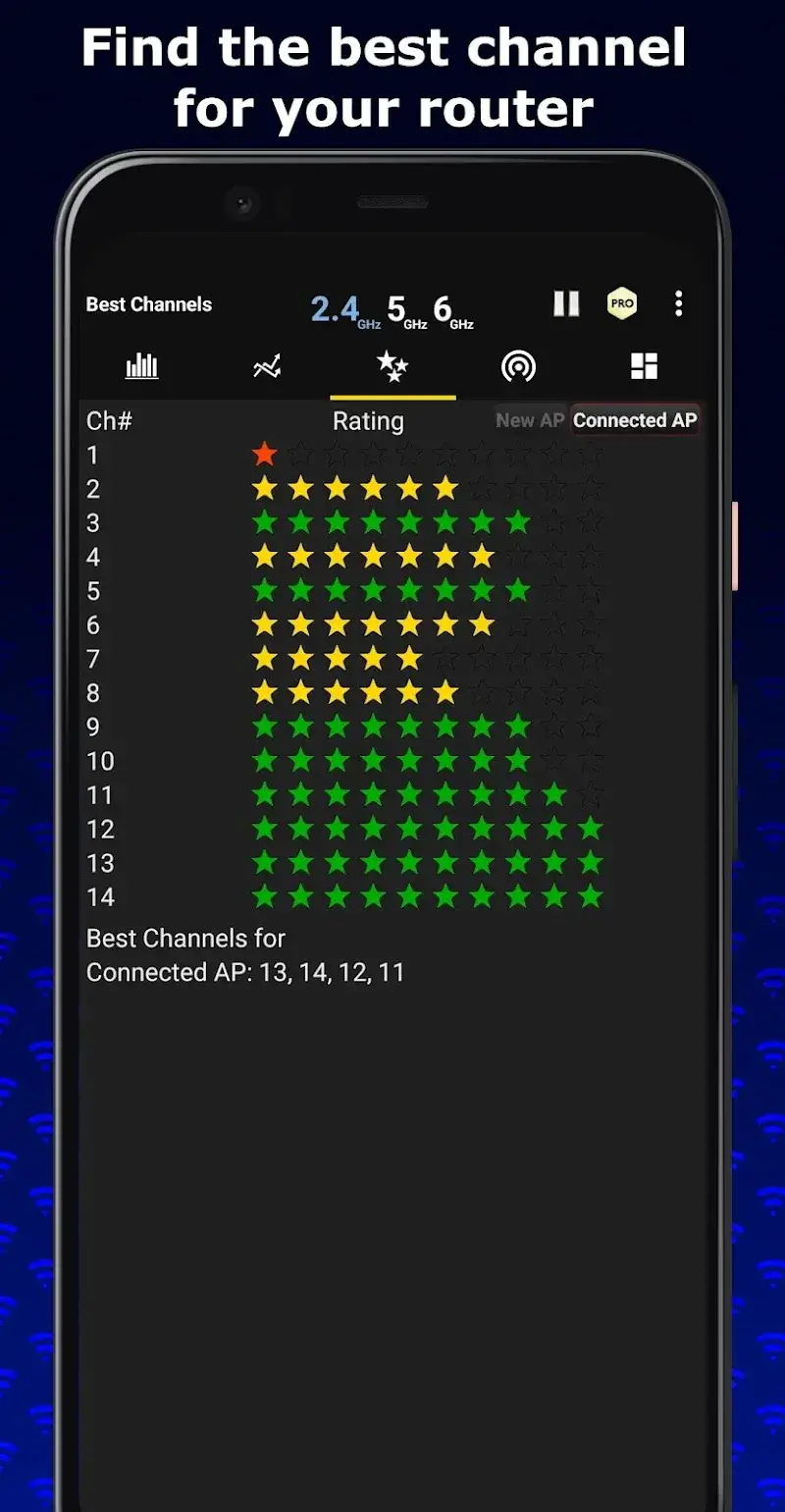
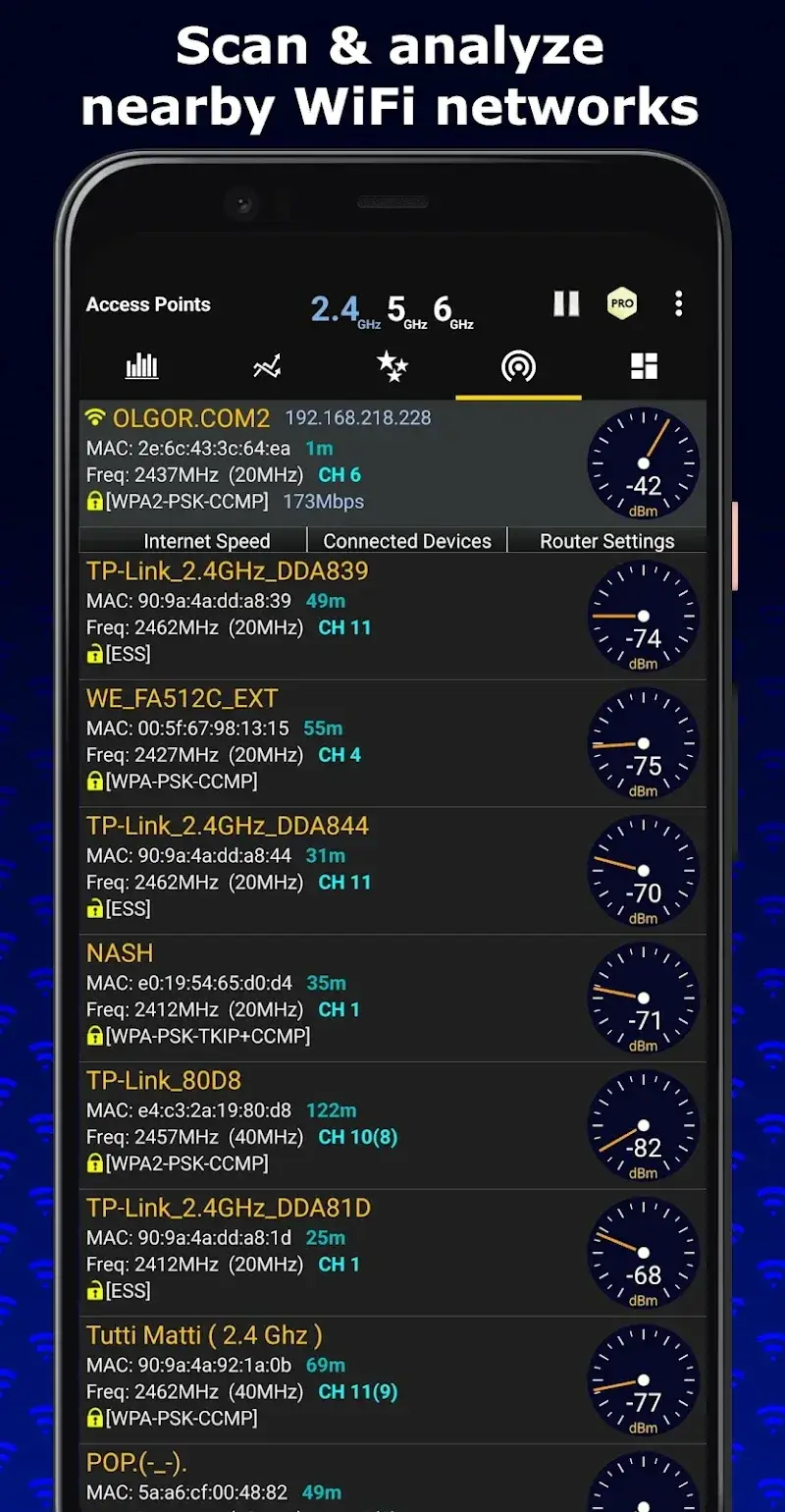
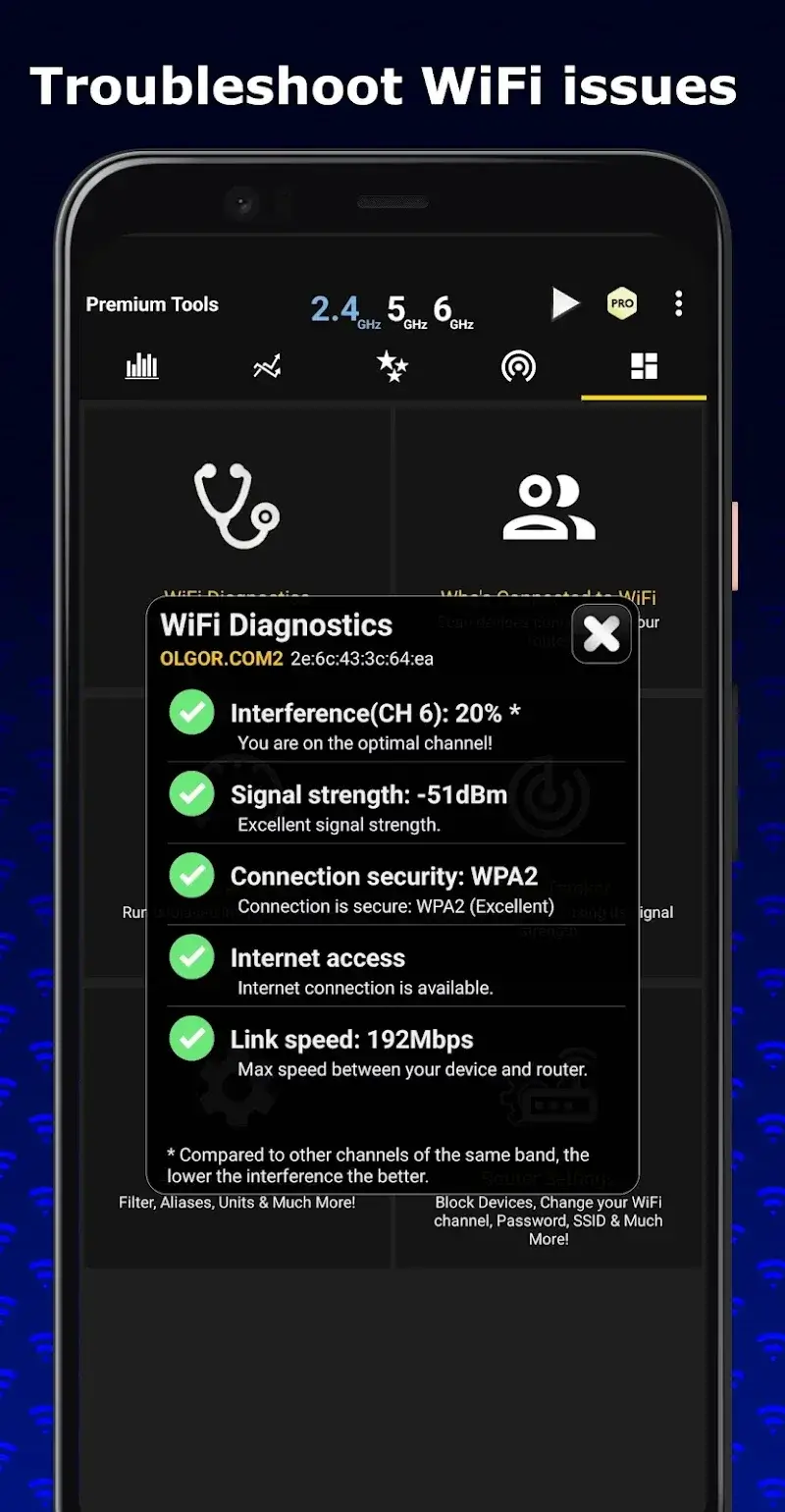
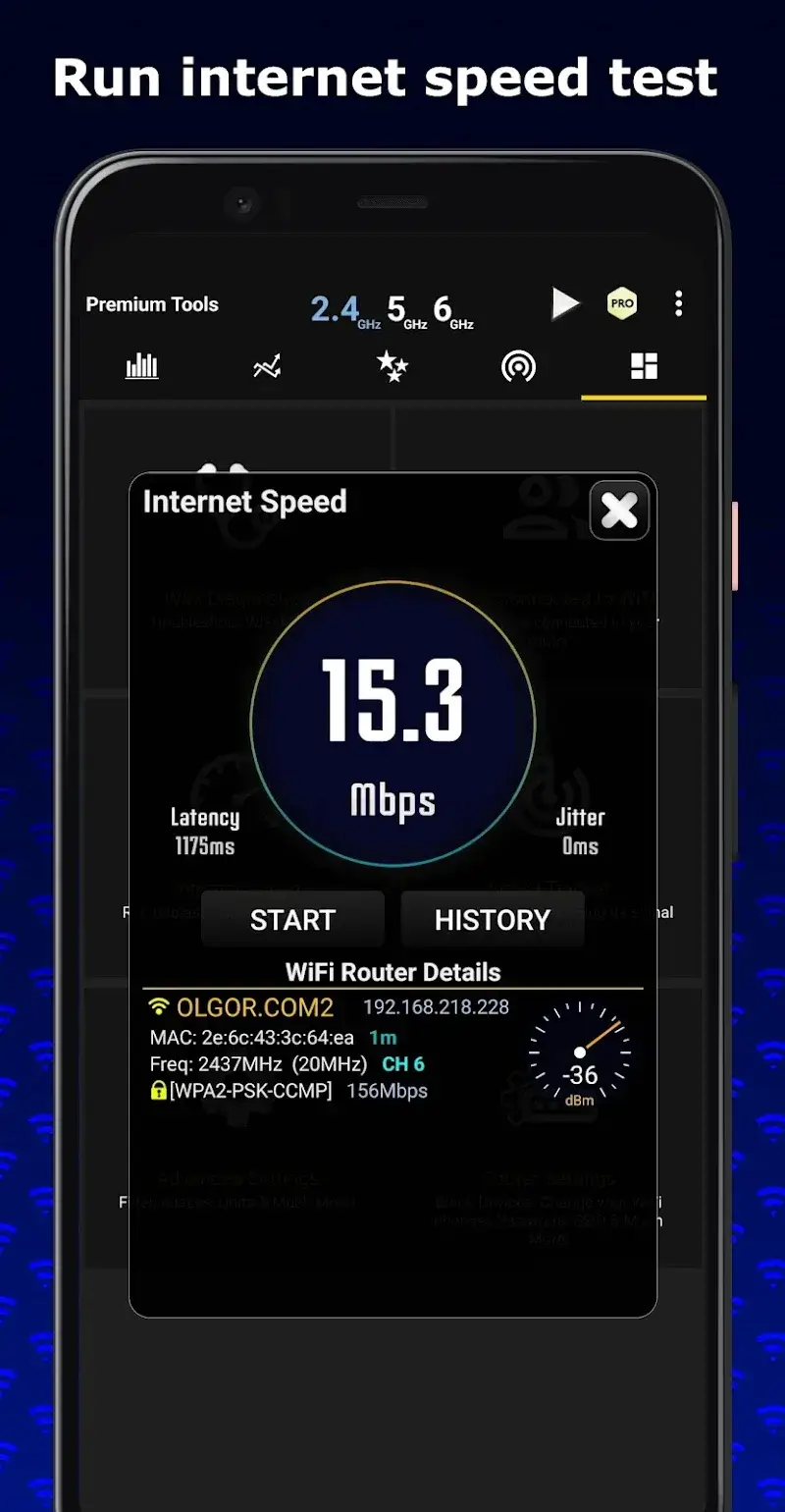
WiFi Analyzer Mod is a network diagnostic utility for Android that visualizes nearby Wi-Fi access points, analyzes signal strength, and identifies optimal channels. It is designed for network administrators, IT support personnel, and power users who need to troubleshoot interference, optimize router placement, or audit wireless network security. The app operates by scanning the 2.4GHz, 5GHz, and 6GHz bands to collect SSID, BSSID (MAC address), channel utilization, and signal-to-noise ratio data.
What This Mod Unlocks
- Pro version features are permanently activated, removing all paywalls.
- All advertisements within the application interface are disabled.
- Access to the Router Settings tool for device blocking and SSID changes is granted.
- The Advanced Settings menu for detailed network configuration is unlocked.
- The Signal Tracker tool for locating devices via signal strength is available.
- The Internet Speed diagnostic tool is fully functional.
- The Who’s Connected to WiFi device scanner is enabled.
- The WiFi Diagnostics suite for comprehensive problem analysis is accessible.
- History management for signal strength logs is unrestricted.
Upon launching WiFi Analyzer Mod, the Pro status is immediately applied. The main interface will no longer display prompts to upgrade, and all tool tabs listed under the "Tools" section will be accessible without restriction. The mod integrates silently; there is no separate mod menu to activate.
WiFi Analyzer Mod requires Android 5.0 or higher. The application needs permissions for location access (to scan for networks) and storage (to save history logs). Root access is not required. The installation package is approximately 8.6 MB, with runtime data usage varying based on scan history.
Installation Steps
- Download the modified APK file from a trusted source.
- Enable "Install from Unknown Sources" in your Android device's security settings.
- Use a file manager to locate the downloaded APK and initiate installation.
- Launch WiFi Analyzer Mod after installation; Pro features will be active.
Known Edge Cases
The mod functions entirely offline. Clearing the app data or uninstalling will remove the Pro unlock; reinstalling the mod APK is required to restore it. On some custom ROMs or heavily skinned Android versions (e.g., MIUI, EMUI), the location permission prompt may behave differently, which can affect the initial network scan. The tools that interact with router settings (like blocking devices) require that your device has the necessary network privileges and that the router's admin interface is accessible; failure is a device/network limitation, not a mod issue. The ad removal applies to in-app banners and interstitials but does not affect system-level notifications.